How to Create a Crossword Puzzle with the Word List Builder
Step-by-step guide to building custom crossword puzzles using Grid Genius's free Word List tool. Enter your words and clues, generate a grid, and share a playable link — no account needed.
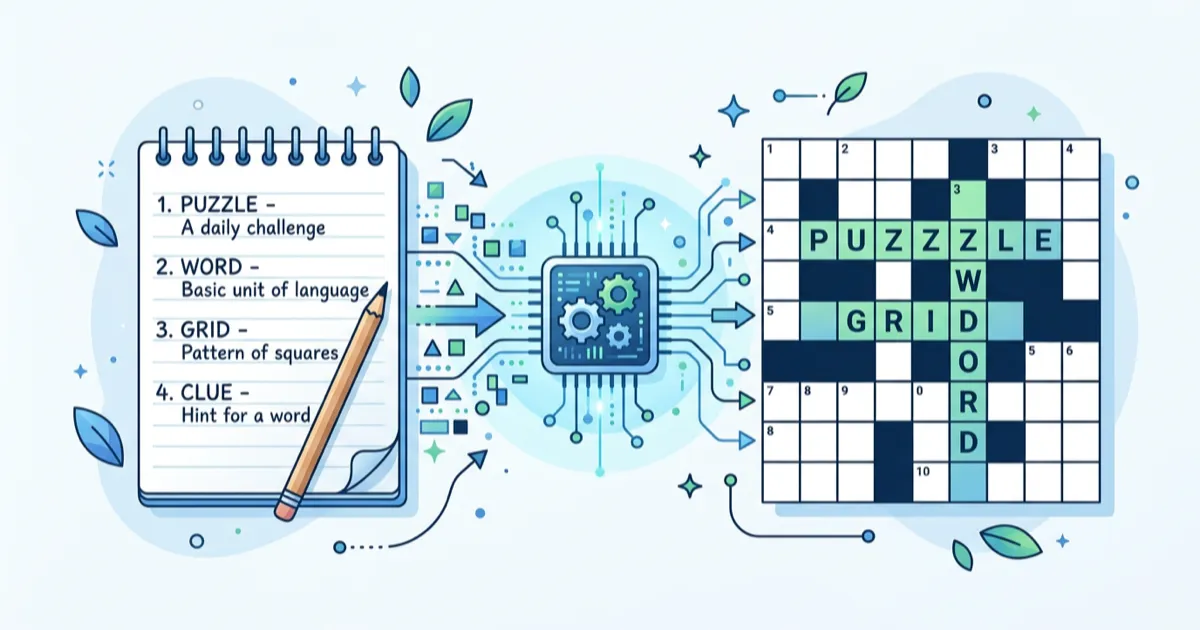
The Word List builder is the fastest way to create a custom crossword puzzle. You supply the words and clues, and Grid Genius automatically generates an interlocking grid layout. It's completely free and requires no account.
What is the Word List method?
With the Word List method, you type in a list of answer words along with their clues. The algorithm then places as many words as possible onto a crossword grid by finding shared letters between them — just like a real newspaper crossword.
This is ideal when you already know the exact words you want in the puzzle. Teachers creating vocabulary quizzes, event organizers making themed puzzles, or anyone building a puzzle around specific content will find this method perfect.
Step-by-step guide
1. Go to the Crossword Builder
Visit gridgenius.app/create/word-list to open the Word List builder directly.
2. Choose your grid size
Pick from three sizes:
- 7×7 — Mini puzzles with 3–8 words. Quick and focused.
- 11×11 — Standard size, good for 10–20 words. The sweet spot for most puzzles.
- 15×15 — Large grid for 20–50 words. Similar to a newspaper crossword.
The grid size determines the maximum space available. Shorter words fit into smaller grids; if your longest word has 12 letters, you'll need at least an 11×11 grid.
3. Enter your words and clues
Each row has two fields:
- Answer — The word that solvers will fill in (2–15 letters, letters only).
- Clue — The hint that will appear in the puzzle.
You start with 3 rows and can add more by clicking "Add Word." You need at least 3 valid words (2+ letters each) to generate a puzzle.
Tips for good words:
- Use words that share common letters (E, S, T, A, R, N) — they intersect more easily
- Mix word lengths for a varied grid
- Keep clues concise but unambiguous
- Avoid very short words (2 letters) as they're harder to place
4. Generate the crossword
Click "Generate Crossword" and the algorithm will:
- Sort your words by length (longer words get placed first)
- Place the first word horizontally in the center
- Try to attach each remaining word by finding shared letters with already-placed words
- Run multiple attempts with different orderings to maximize placement
Important: Not every word is guaranteed to appear in the final grid. Words that don't share any letters with already-placed words can't be intersected and will be skipped. The algorithm reports which words were placed and which weren't.
5. Review and customize
Once generated, you'll see:
- The grid with numbered cells and black squares
- Clue lists organized into Across and Down
- Unplaced words (if any) listed so you can adjust
If too many words were skipped, try:
- Adding words that share letters with your existing list
- Increasing the grid size
- Removing words that have unusual letter combinations
6. Download or share
You have several options:
- Download Puzzle — A printable PNG image of the empty grid with clues (perfect for classrooms or events)
- Download Answer Key — Same layout but with letters filled in
- Share with Friends — Creates a playable online link at share.gridgenius.app. Anyone with the link can solve the puzzle in their browser — no account or app needed
How the placement algorithm works
The crossword generator uses a greedy intersection algorithm:
- Words are sorted by length (longer words first, as they create more intersection opportunities)
- The first word is placed horizontally in the grid center
- For each remaining word, the algorithm scans all placed words for shared letters
- When a match is found, it checks if the word can be placed at that intersection without conflicts
- "Conflicts" include: overlapping with different letters, running parallel and adjacent to existing words, or extending beyond the grid boundary
The algorithm runs this process multiple times with slightly randomized word orderings, keeping the best result. On each attempt it takes just a few milliseconds, so it can try dozens of orderings to find the optimal layout.
Common questions
Can I use phrases or multi-word answers? No — answers must be single words with letters only. Spaces, numbers, and punctuation are stripped. If you enter "ICE CREAM", it becomes "ICECREAM" (8 letters).
What's the minimum number of words? Three valid words with at least 2 letters each.
Why were some of my words not placed? Words are placed by finding shared letters. If a word has no letters in common with any placed word (or the intersection positions are already occupied), it can't be placed.
Can other people play my puzzle without an account? Yes! When you share a link, anyone can play directly in their browser. No Grid Genius account, no app download — just tap and play.
Other ways to create crosswords
Grid Genius offers three puzzle creation methods:
- Word List (this guide) — Enter words and clues, auto-generate the grid
- Freeform Editor — Place letters manually on a grid and write clues for each word
- AI Generation — Enter any topic and AI creates the entire puzzle (requires Pro subscription)
A real crossword on any topic.
AI-generated puzzles with smart hints that help you think, not just give away answers. Free to play, no sign-up required.